Procurement automation with n8n
Supplier emails in.
Useful next steps out.
I extended an existing n8n system to prepare replies, coordinate documents and support Accounting. Staff stay in control of what gets sent.
My contribution
Expansion and maintenance of an existing procurement system.
Engineering focus
Reply context, shared ownership, document handoffs and recovery.
Connected tools
n8n, Gmail, Google Drive, OpenAI, Pinecone and APIs.
Context before the reply
The right history.
The right inbox.
A person’s final say.
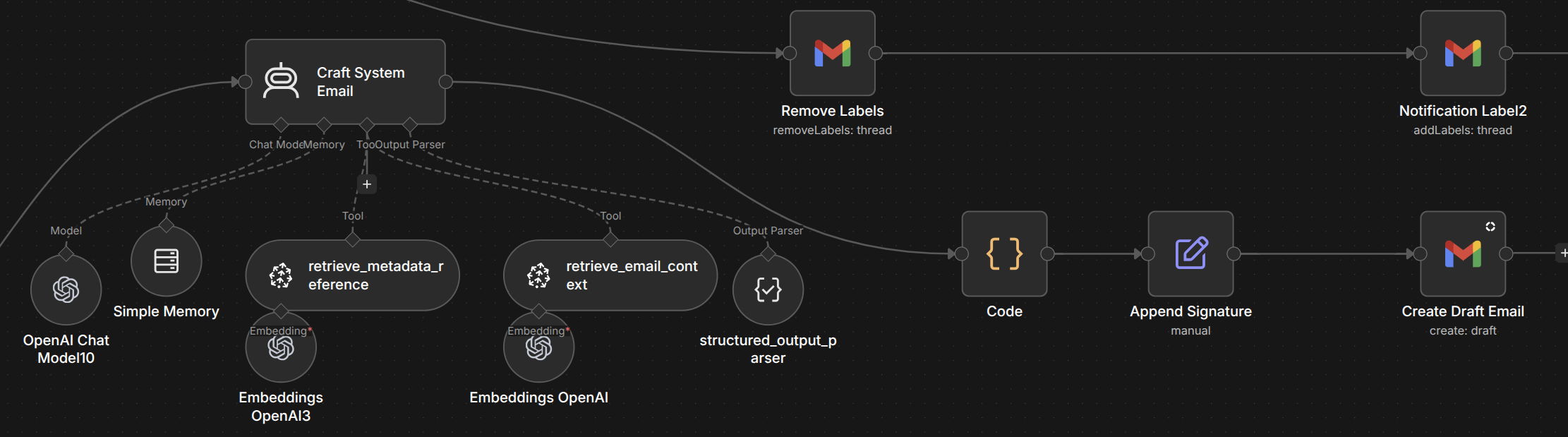
A supplier conversation can involve more than one staff member. Each reply needs the context of the person handling it.
I worked on separate mailbox identities and retrieval context. The workflow brings together the current thread and relevant email history before preparing a response.
Prepared for review
A staff member reviews the draft before sending it.
Shared-message ownership
Two inboxes.
One document owner.
The same email can reach two people. That shouldn’t trigger the document handoff twice.
I implemented ownership routing so one path handles the shared message’s documents. The other keeps its own reply context and normal email handling.
Verified in the shared-message check
- Both mailbox paths completed.
- One document upload.
- One Accounting path.
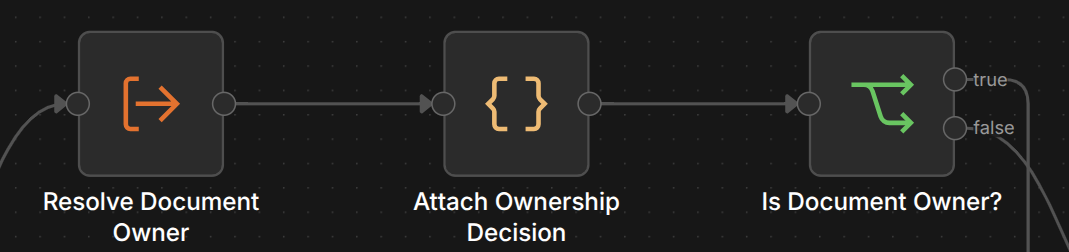
This coordinates the same message across inboxes. It does not deduplicate every repeated file across unrelated emails.
Accounting handoff
Carry the context
into the next step.
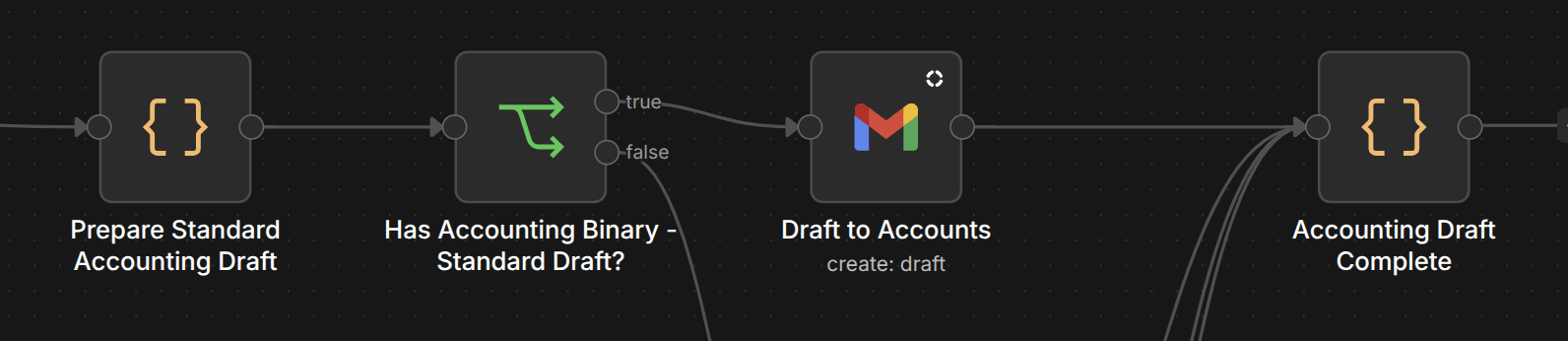
Filing the attachment is only part of the job.
I extended the document and Accounting subflows to pass along shipment information, attachments and the context needed to act. Larger attachment batches are processed sequentially.
Failure handling
Keep what worked.
Recover what didn’t.
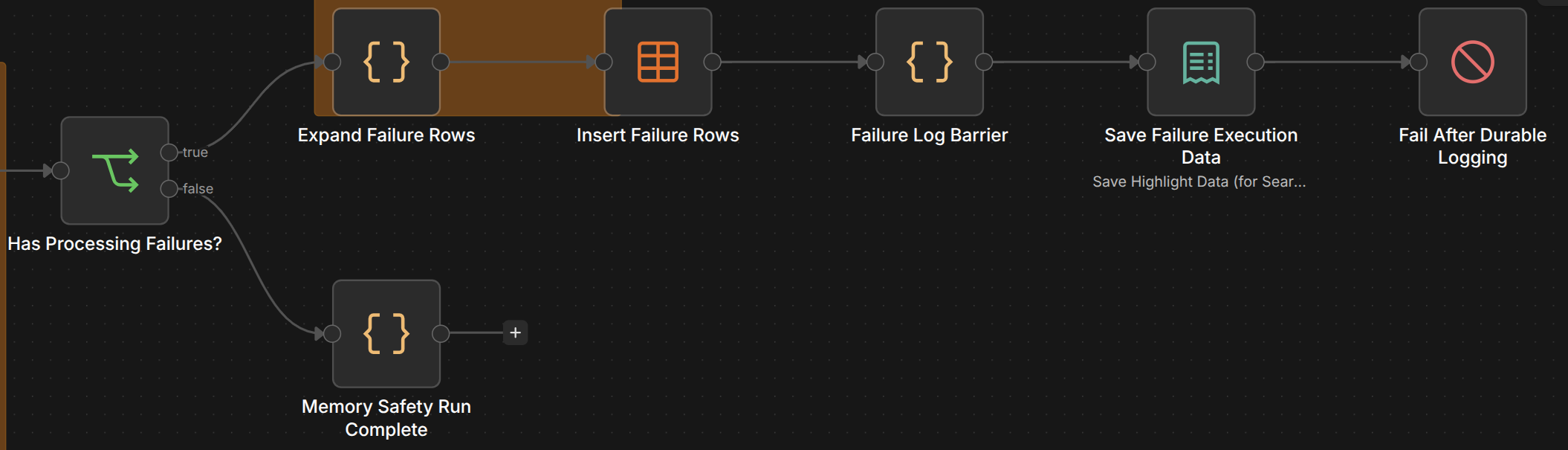
An Accounting failure shouldn’t mean uploading the document again.
I worked on controlled subflows and durable failure records. They retain the details needed to identify the failed step and recover deliberately.
Recovery checked
A recorded recovery run followed the correction of an empty-output problem. The recovery work targeted the failed step while preserving completed work.
Automation people
can work with.
The engineering here is in the handoffs: giving each inbox its own context, assigning shared documents once and keeping failures recoverable.
The screenshots are real, sanitized workflow branches. Recorded checks refer to retained internal tests. These show separate parts of the system, not a single continuous execution.